Shot List App for Mac
Every shot with an image and all details, as a table or storyboard. One click sends the shots to the shooting schedule.
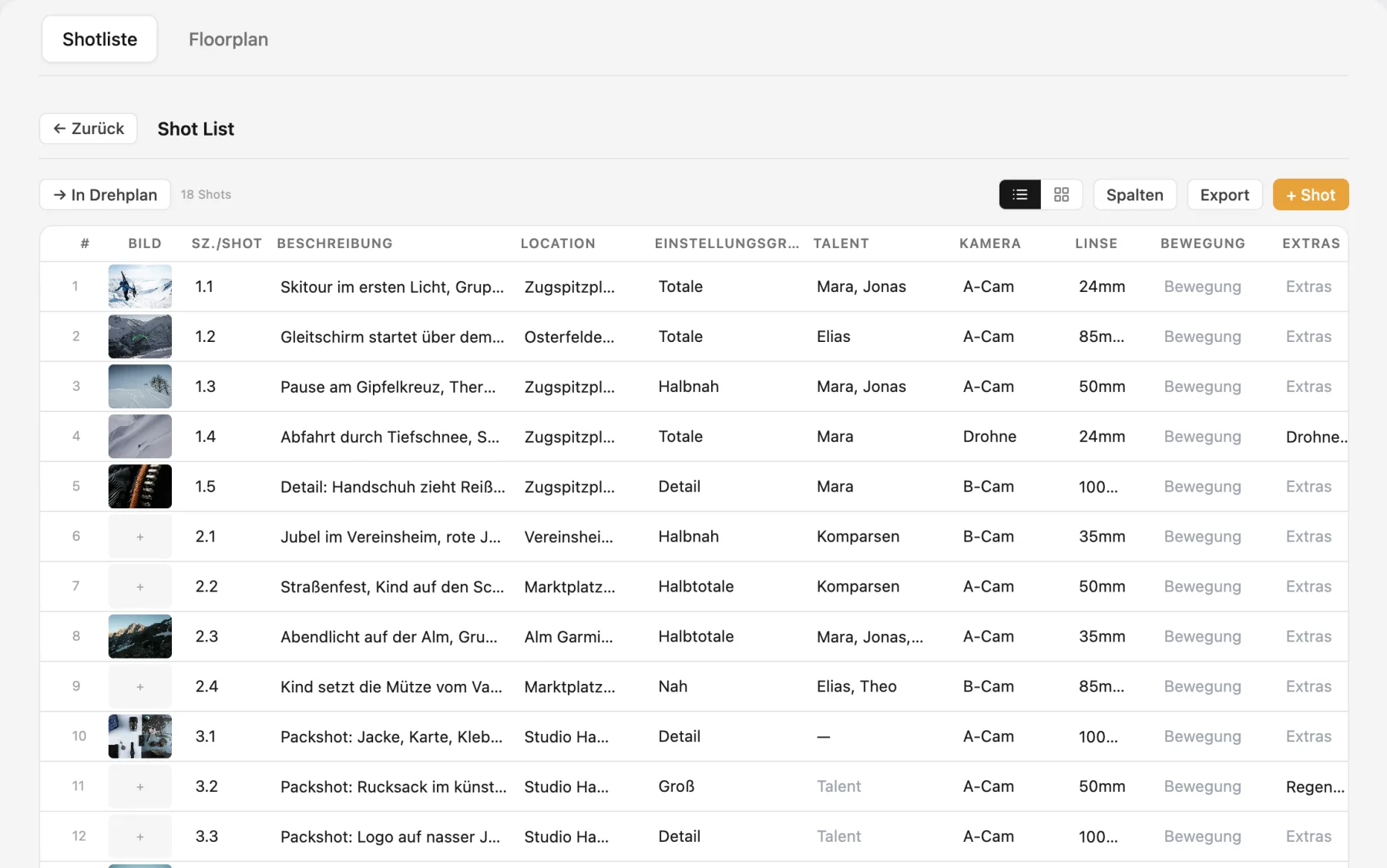
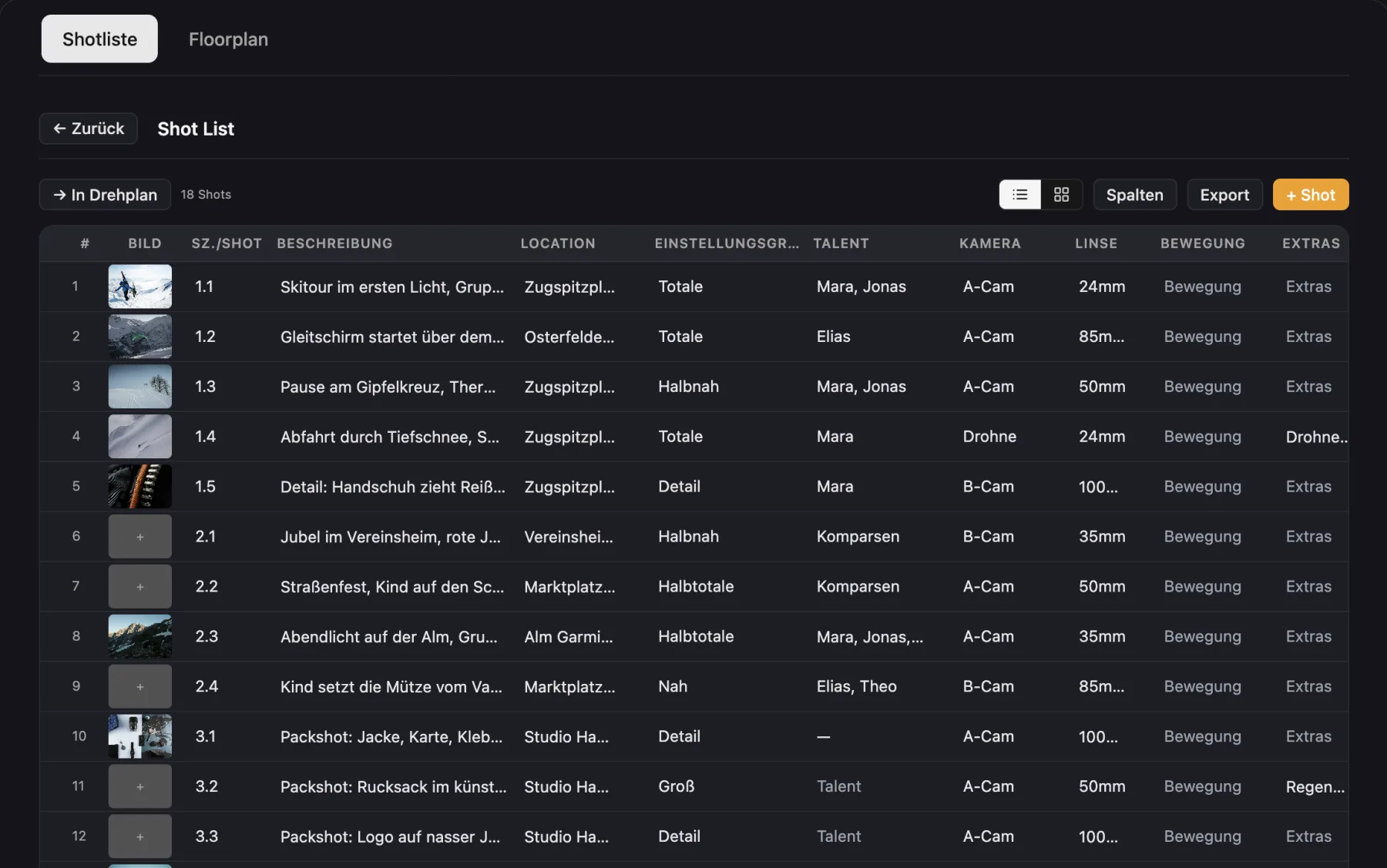
What the shot list in Cinedash can do
Columns made for shootingScene and shot, description, location, shot size, talent, camera, lens, movement, extras and grip. Add your own columns, hide others.
An image per shotFrom your computer or from your references, with a built in image editor.
Table or storyboardTwo views of the same data.
Fast editingAutomatic numbering, drag rows, duplicate and select several at once.
PDF exportWith images and, if you like, your branding.
Into the scheduleTurn shots into schedule blocks, the details show up there without double entry.
Floor plan per sceneCreate a set plan for a scene straight from the shot list.
DeliverablesAssign shots to deliverables such as the main film, cutdowns or reels, each with its own shot list PDF.
What makes Cinedash different
- Shot list, schedule and floor plan share the same data.
- A shot list per deliverable, handy for commercials with many formats.
- Works on the Mac without an internet connection.
For macOS, Apple silicon and Intel. No payment details needed for the trial. The app interface is in German, English is in beta.
Frequently asked questions
Can I export the shot list as a PDF with images?
Yes, with images and optionally your logo.
Is there a storyboard view?
Yes, next to the table there is a card view with large images.
Does it run on iPad?
No, Cinedash is a Mac app. On set, the iPhone app Cinedash Set shows the shots of the day.