Mood Board and Treatment for Film Projects
Arrange images, videos, notes and colors freely. One click turns the board into a treatment PDF.
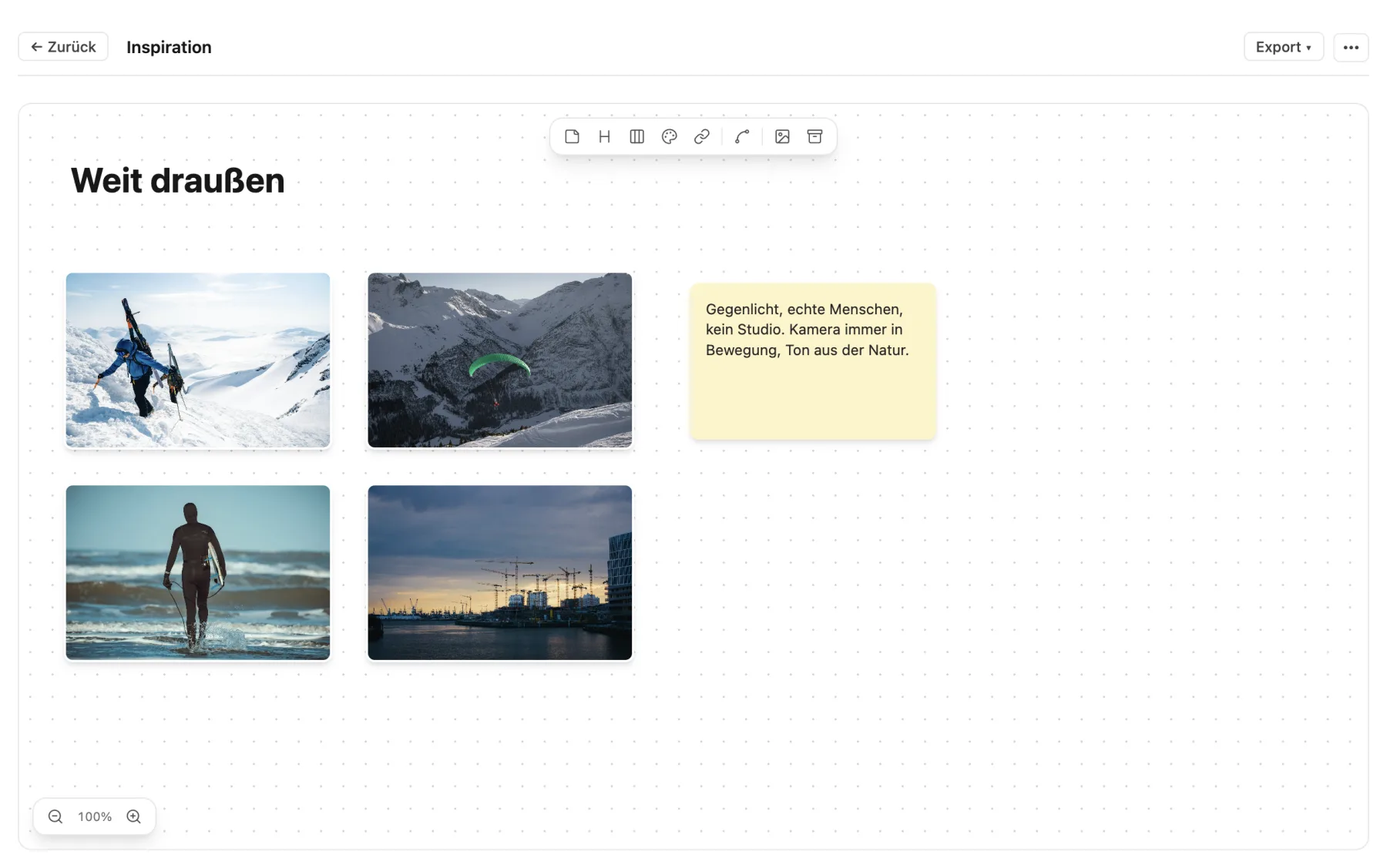
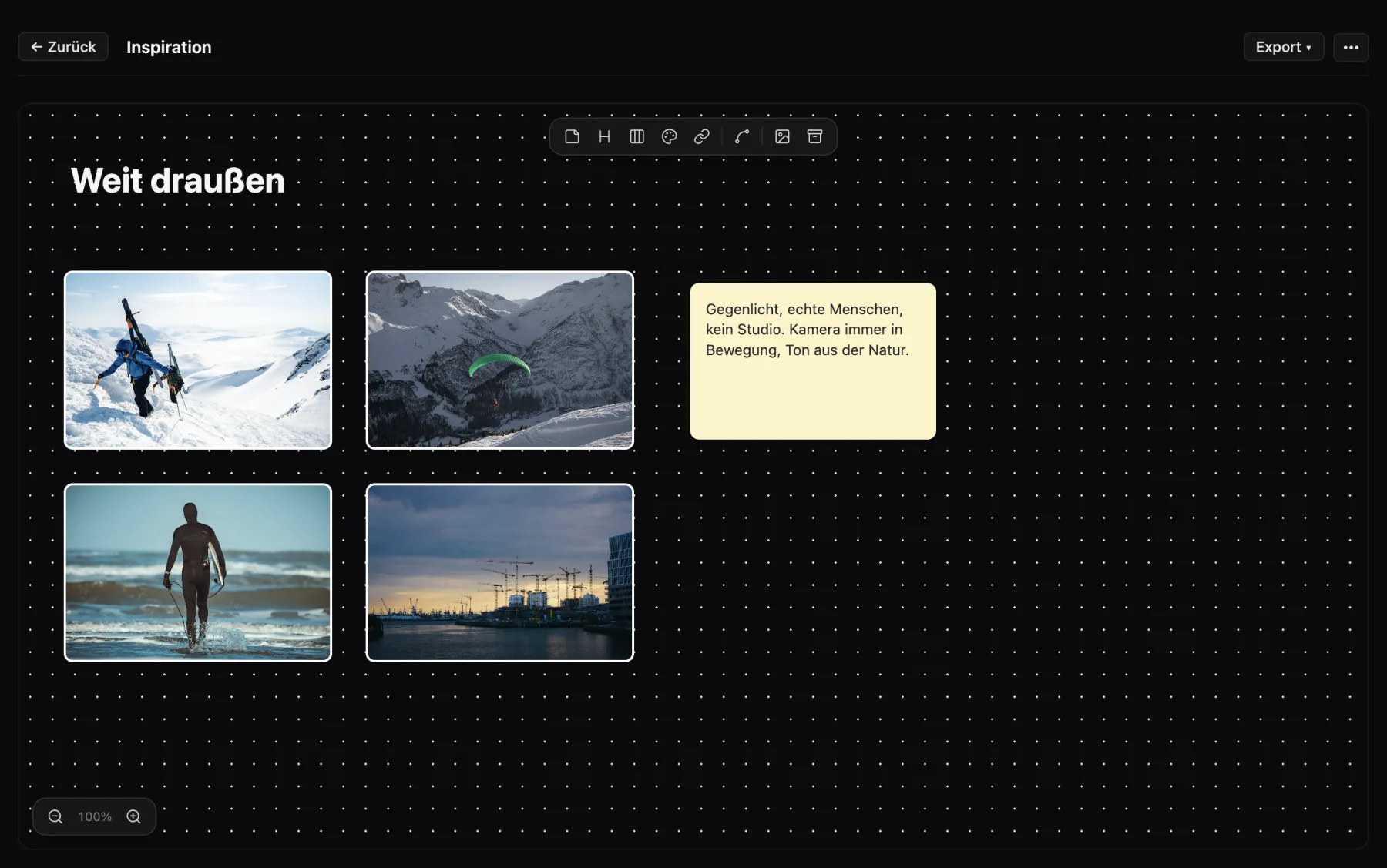
What the mood board in Cinedash can do
Free canvasImages, videos and links from YouTube or Vimeo, notes, headings, columns, color palettes and files such as PDF or audio.
Drop in imagesDrag and drop onto the board, create a color palette from an image.
Connect and arrangeLines and arrows between cards, align, distribute, zoom.
Parking areaA tray for everything that has no place yet.
ReferencesDrag stills and videos from your reference library onto the board, and save cards back to the library.
Treatment as PDFDesigned and structured by columns, plus the board view as a PDF.
Department boardsArt department, wardrobe and makeup get their own mood boards with lists, sources and owners.
What makes Cinedash different
- The board turns straight into a treatment for the pitch.
- References live on across projects.
- Departments get their own boards but never see the budget.
For macOS, Apple silicon and Intel. No payment details needed for the trial. The app interface is in German, English is in beta.
Frequently asked questions
Can I embed videos?
Yes, links from YouTube and Vimeo as well as your own video files.
How is the treatment created?
One click on "Treatment (PDF)", structured by the columns on your board.
Can art department and wardrobe collaborate?
Yes, with the cloud add-on you invite them with their role and they see their own board.