Budgeting for Film and Video Production
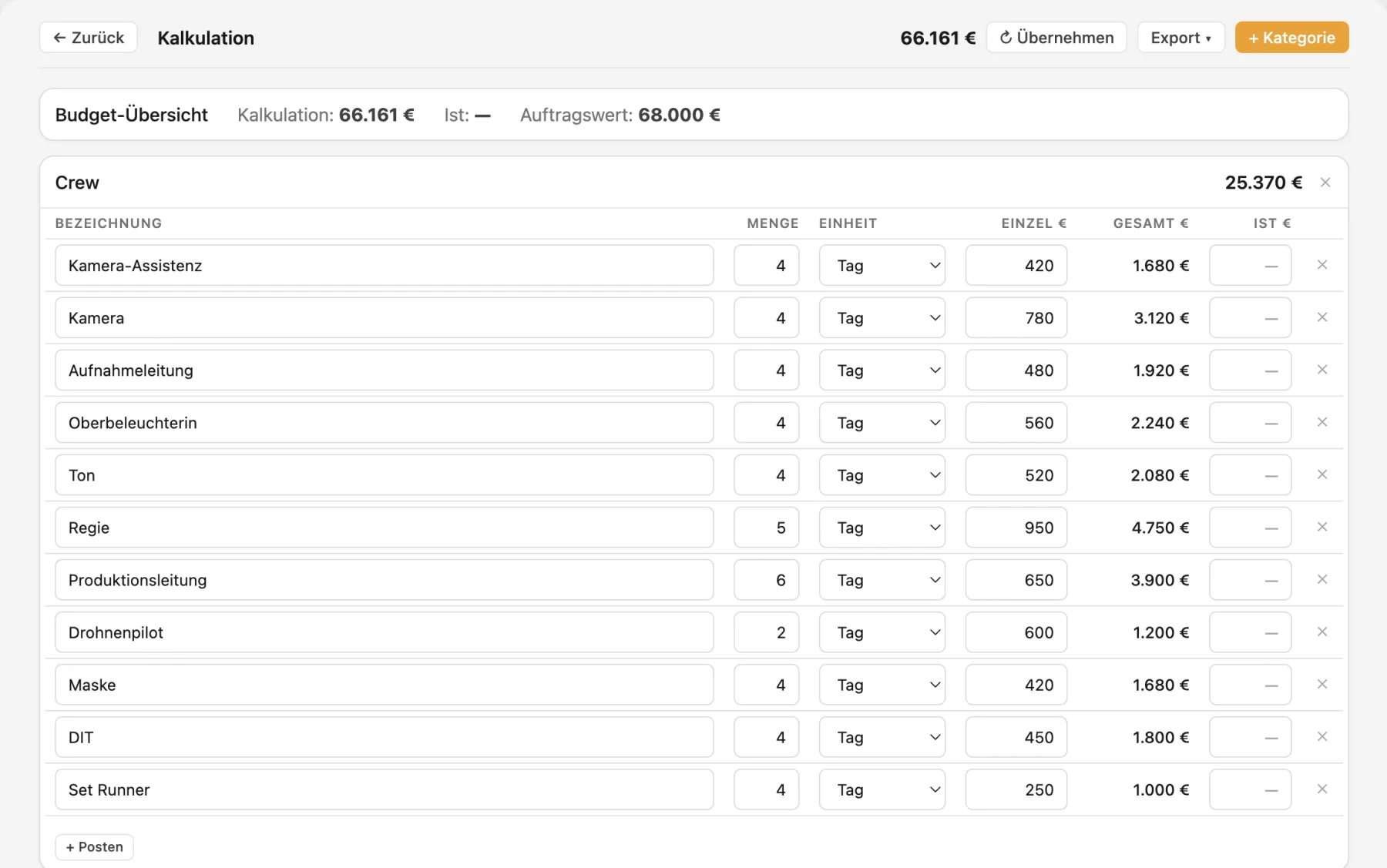
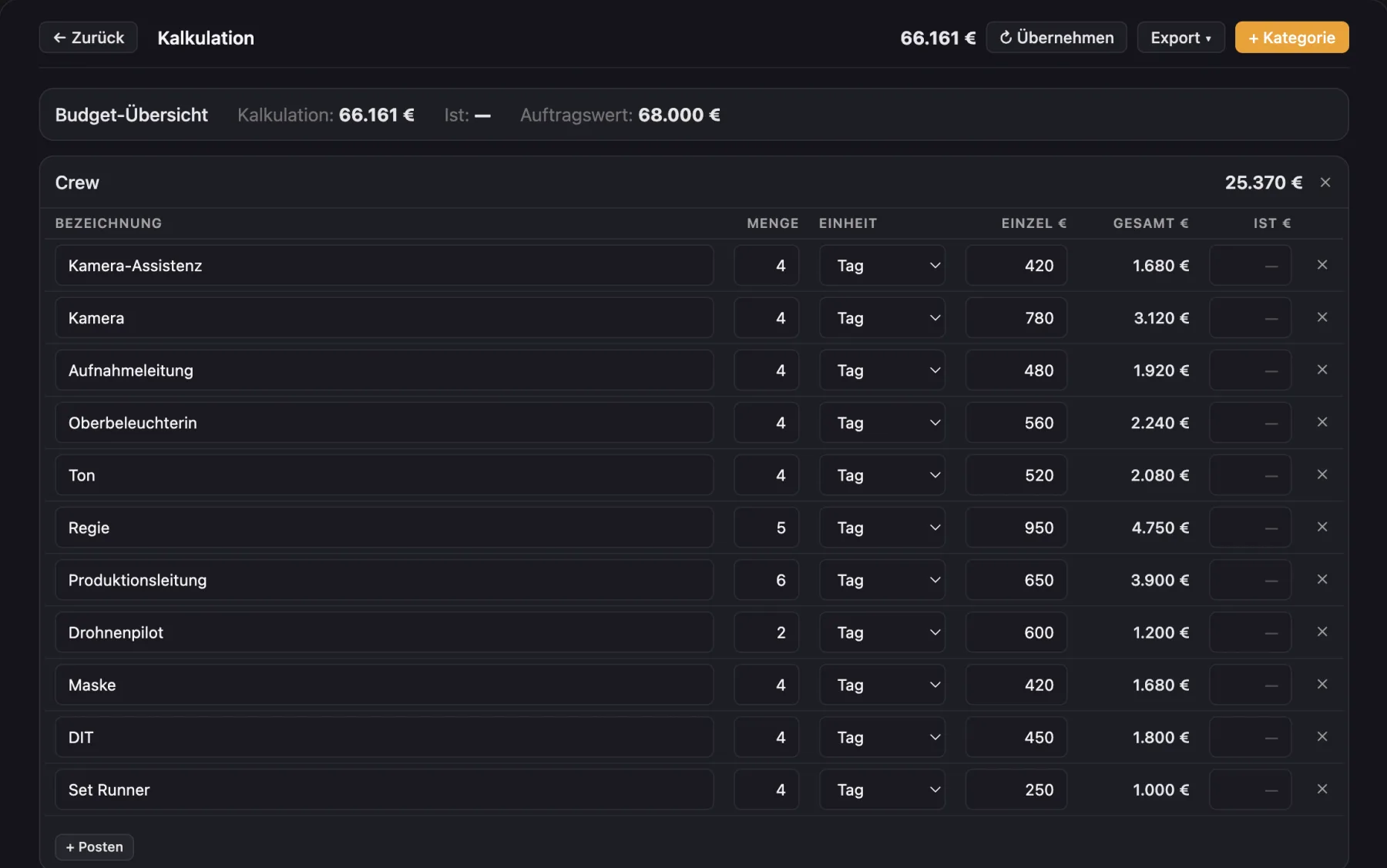
Budget by department, actual costs next to it and the contract value in view. Pull day rates and costs from the project instead of typing them again.
What the budget in Cinedash can do
By departmentCrew, equipment, location, transport, catering, post and other, plus your own categories.
Line itemsDescription, quantity, unit and unit price, with subtotals.
SurchargesPercentage surcharges on crew, such as German artists' social insurance (KSK).
Estimate and actualsActual cost per line with the difference.
Budget overviewBudget, actuals and contract value side by side, with the difference to the contract.
Crew from timesheetsCrew estimate and actuals from approved timesheets.
Pull instead of typingDay rates from the crew, fees from the cast, costs from equipment, travel and catering.
ExportAs a branded PDF or a CSV spreadsheet.
What makes Cinedash different
- The numbers come from the project, not from a second spreadsheet.
- The crew on set never sees the budget.
- German production practice, like the KSK surcharge, is built in.
For macOS, Apple silicon and Intel. No payment details needed for the trial. The app interface is in German, English is in beta.
Frequently asked questions
Can I export the budget to Excel?
Yes, as a CSV file that opens in Excel and Numbers, and as a designed PDF.
Can my crew see the budget?
No. Invited roles such as makeup or camera only see their own areas, the budget stays with you.
Are timesheets included?
Yes, approved timesheets count as crew actuals in the budget.