Call Sheet Software for Mac
The daily call sheet is built from your project: call times, cast, location, emergency info and weather are already there. You only arrange and send.
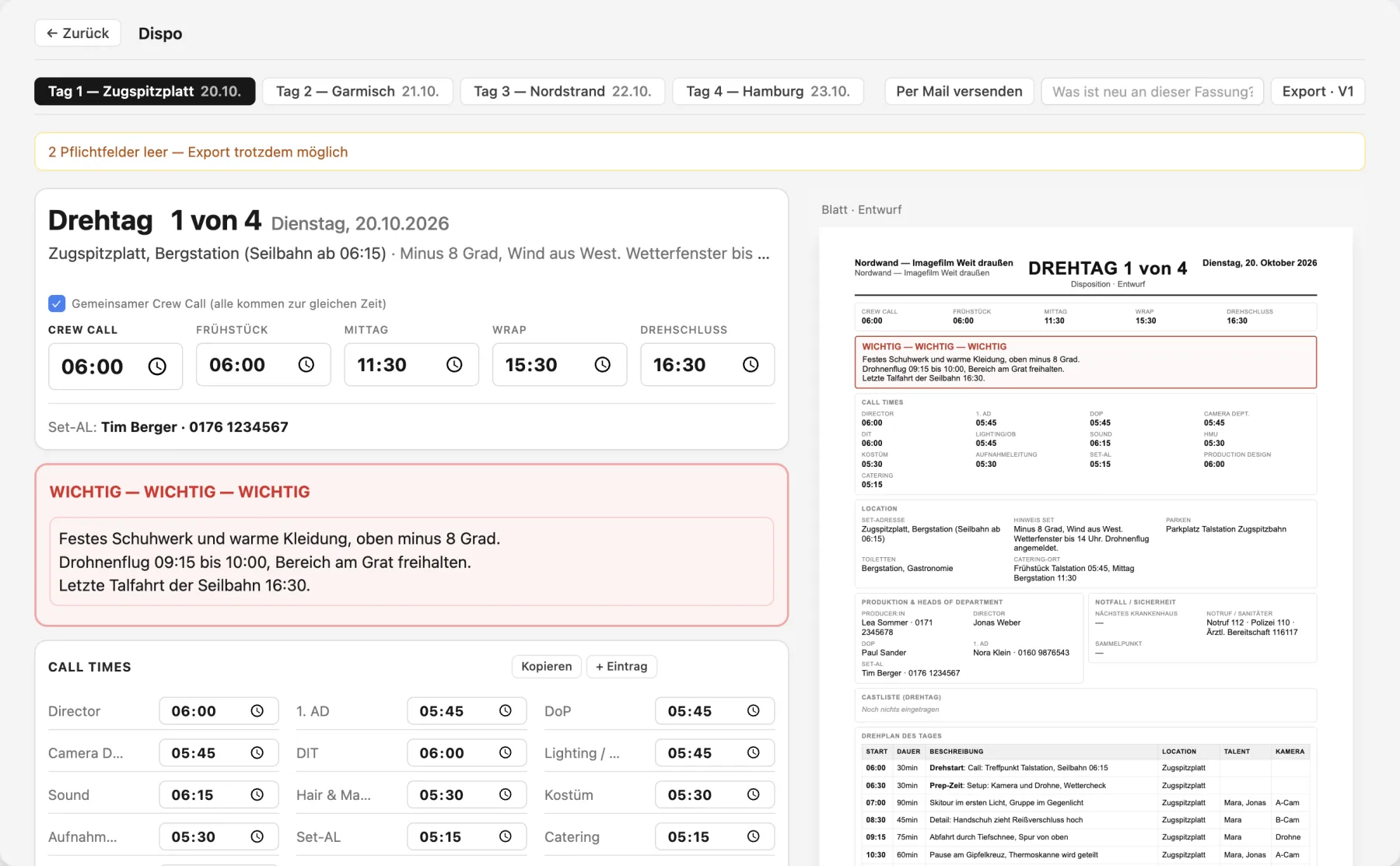
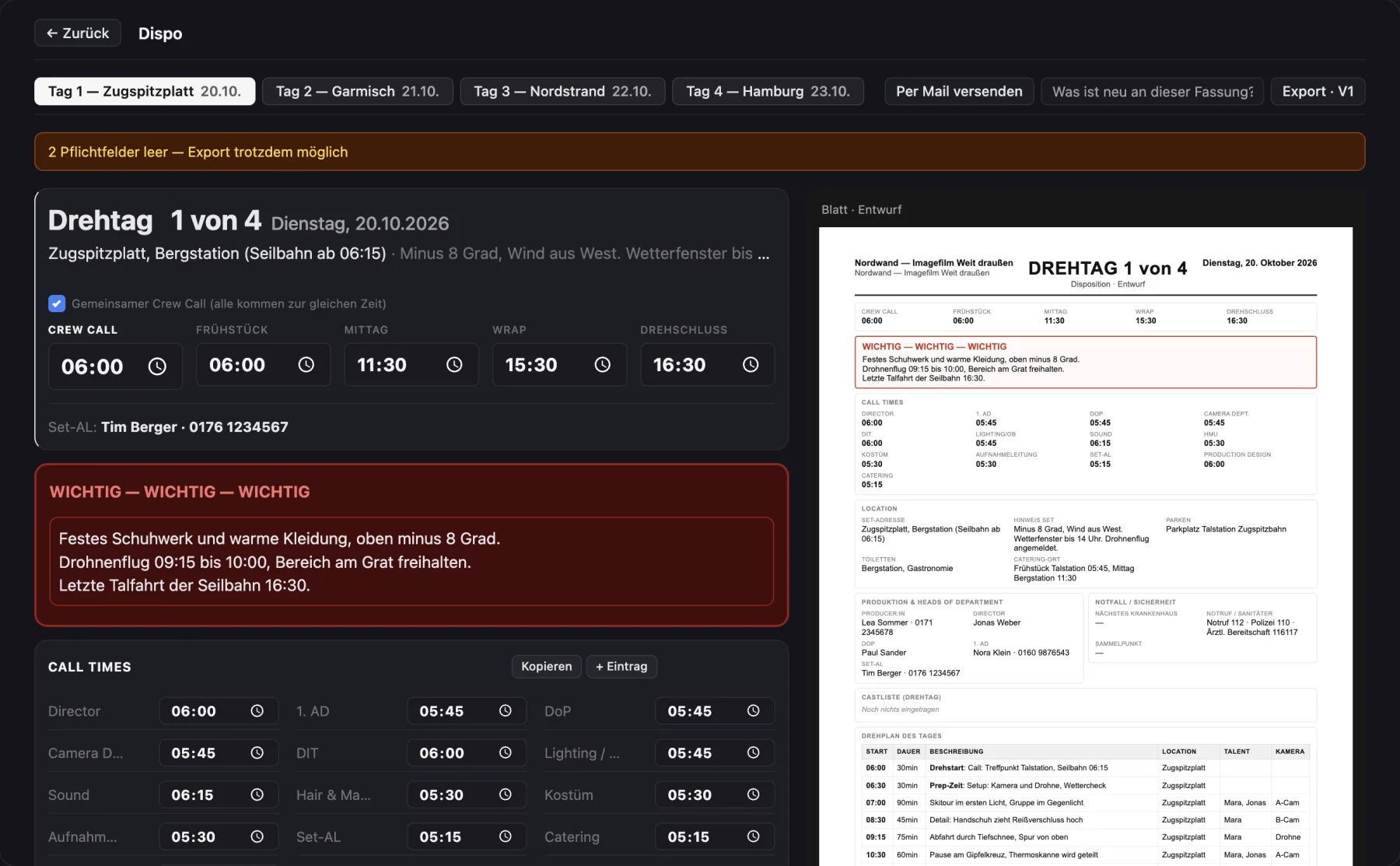
What the call sheet in Cinedash can do
Your layoutDrag sections to reorder, rename them, set them to half or full width or hide them. The PDF follows your layout.
Live previewThe A4 sheet sits next to the editor and shows every change right away.
VersionsEvery export counts up V1, V2 and so on with a date. "What is new?" appears in red at the top of the PDF.
Emergency info, automaticNearest hospital for the set address in one click, emergency numbers prefilled, plus pharmacy, police and parking nearby.
Weather and lightTemperature, conditions, sunrise and sunset at the location.
TransportVehicle, driver, passengers, pickup and calculated drive time with an adjustable buffer.
Fill it fastTake cast and locations from the project, copy values from the previous day, copy all call times to the clipboard.
Email to the crewRecipients come from the crew list, the PDF is attached automatically.
What makes Cinedash different
- The layout is free, the PDF looks exactly the way you arranged it.
- Through the crew link, each person sees their own call time.
- Versions with change notes make sure nobody shows up with an old version.
For macOS, Apple silicon and Intel. No payment details needed for the trial. The app interface is in German, English is in beta. Or start without the app: Free call sheet template (German).
Frequently asked questions
Is a call sheet the same as a "Dispo"?
Yes. Dispo is the German term. In Cinedash the module is called Dispo.
Is there a free template?
Yes, a free call sheet template as Word, Excel and PDF (in German).
How does the crew get the call sheet?
By email with a PDF, through a link in the browser, or in the iPhone app Cinedash Set with a push notification for each new version.